|
How to get the invoice to pay the order?
If you would like to order our product and pay by normal invoice in your bank you need to fill out the order form in our online store and select “Bank/Wire Transfer with Invoice” as payment method.
To get the invoice please do the following:
1. Follow the steps described by the link below:
How to place an order of VIP Task Manager
Note: you should select Bank/Wire Transfer with Invoice ($10.00 USD fee)” as payment method and click “Place Secure Order”
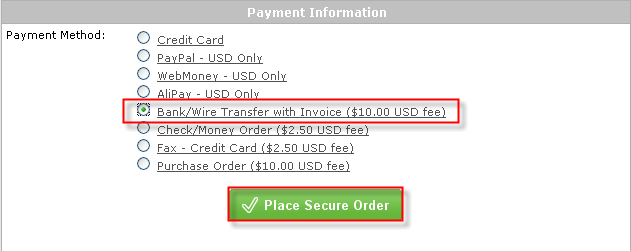
Note: if while placing the order the payment method “Bank/Wire Transfer” is not listed among payment method options, please email to support@vip-qualitysoft.com to get further instructions how to get the invoice.
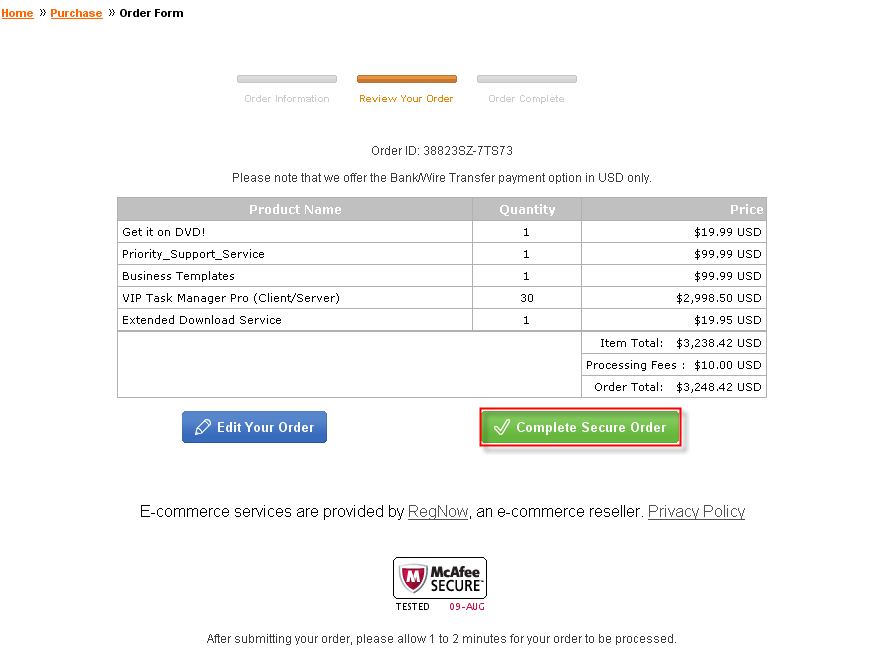
2. Check that all information provided is correct and click “Complete Secure Order” button
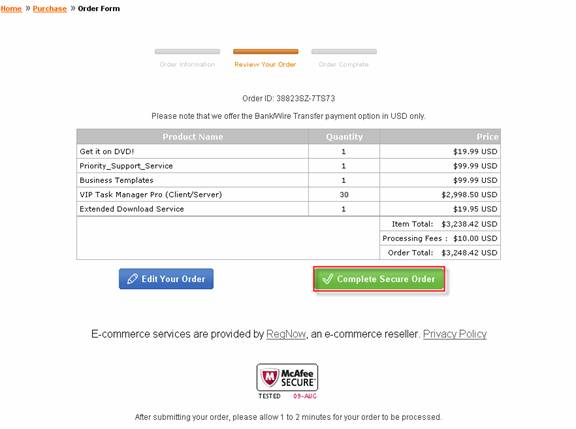
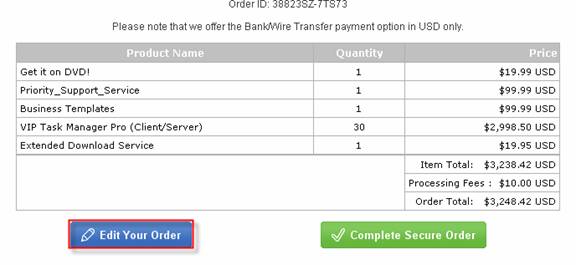
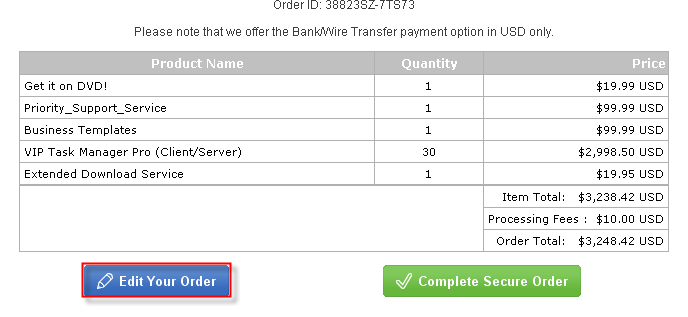
If you need to edit the order please click “Edit Your Order” button
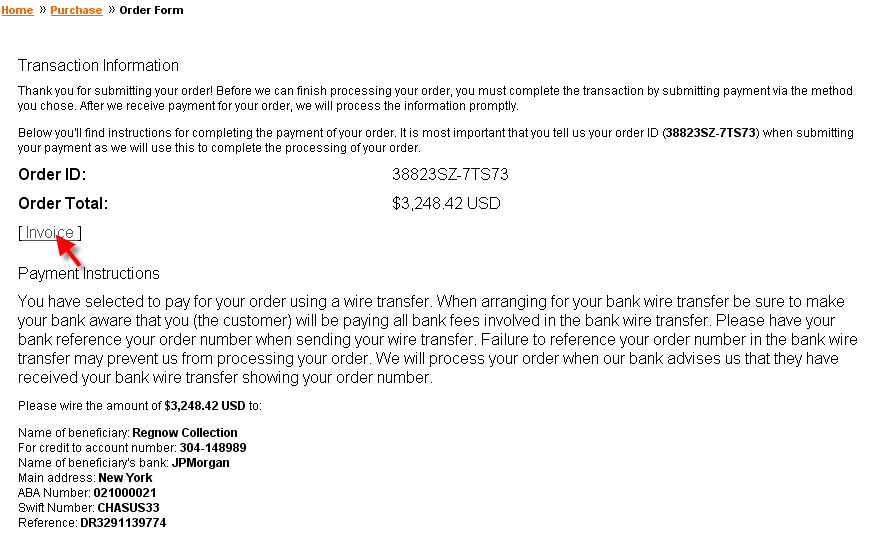
3. On 'Transaction Information' page click on [Invoice] link and print out the Invoice
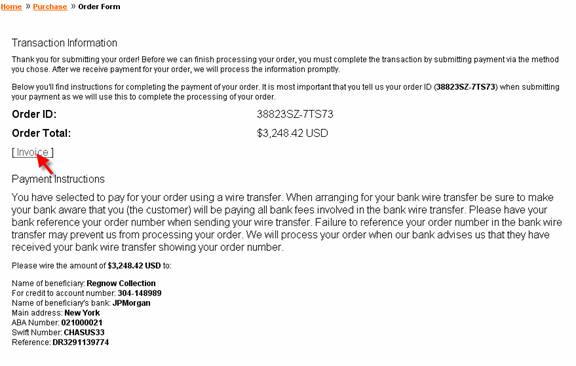
4. Read 'Payment Instructions' and pay the Invoice in your bank
Note: In most cases the orders are processed by our US-based e-commerce provider RegNow (Digital River, Inc.). Still in some cases (especially when the customers are from Europe) there will be no “Invoice” link on “Transaction Information” page. It means that Global Collect, the European partner of RegNow will send you the invoice to the mail address which you indicated in the order form. It usually takes 5-6 business days for sending the invoice by mail.


|














 Try Travel Bundle FREE


